See Real-Time Results
Access the updated results of each evaluation.
Administrators or talent managers can view the results for the entire organization, by country, or organizational unit, depending on their access level.
From the left side menu, go to Potential, Performance, Leadership, or Climate to view results based on the ongoing survey.
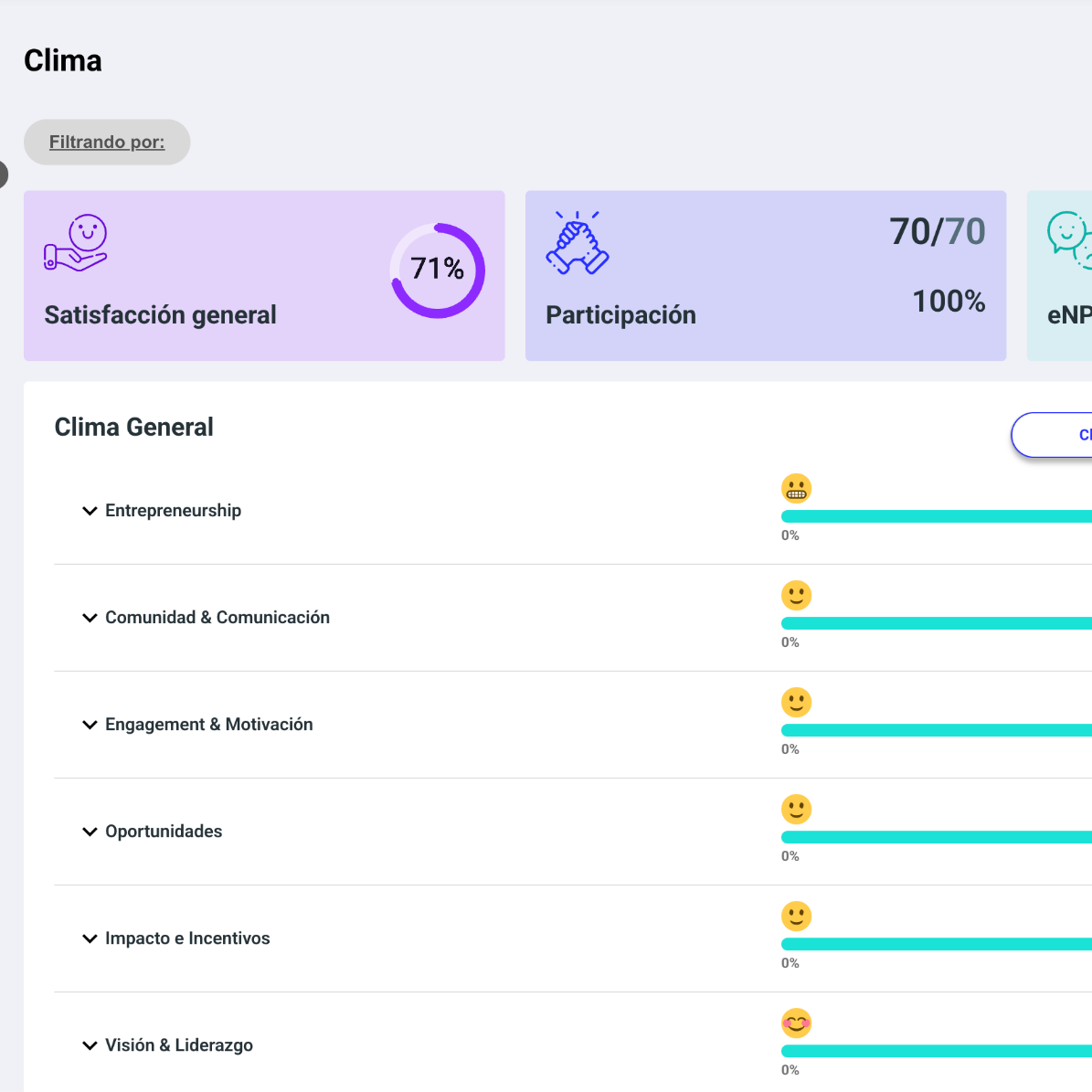
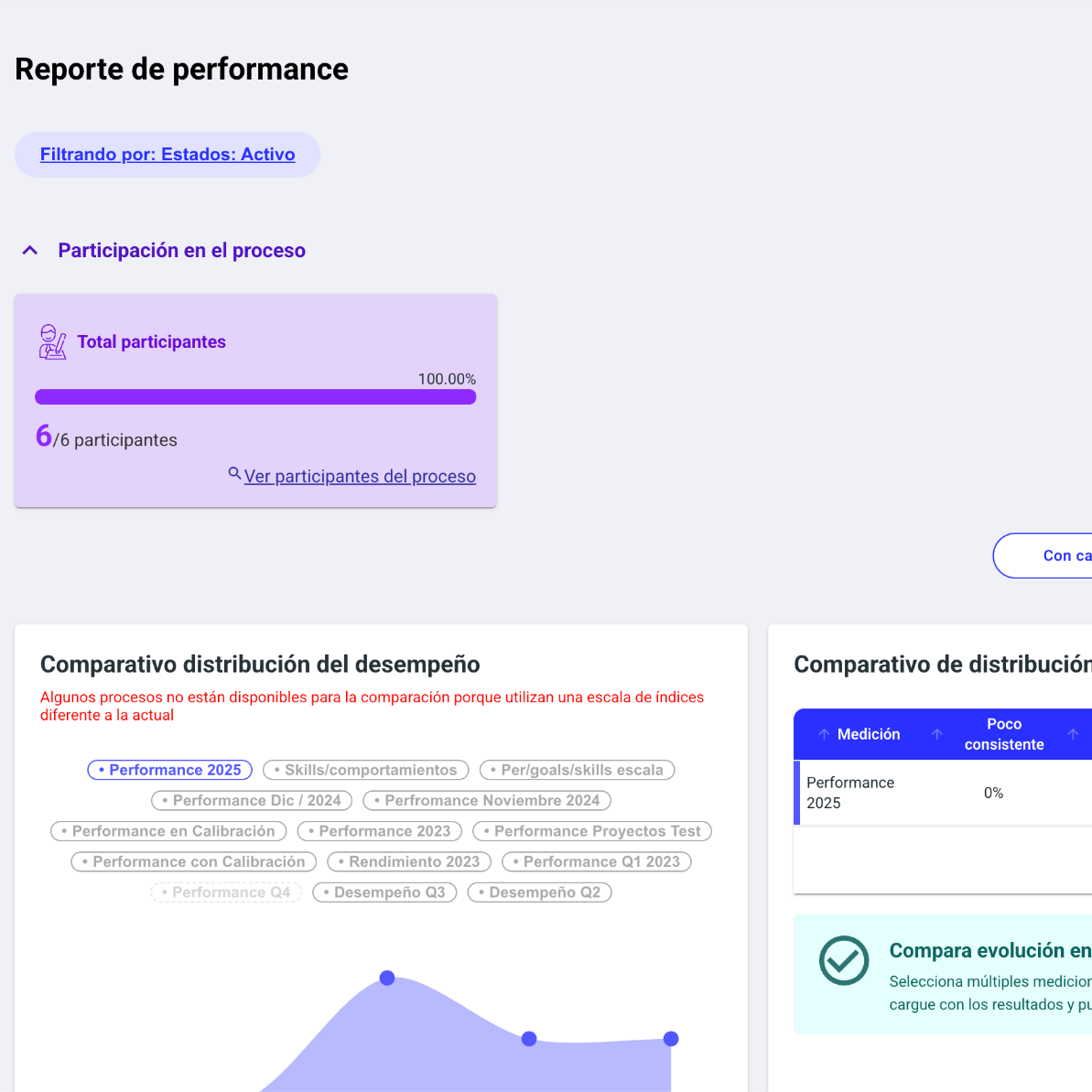
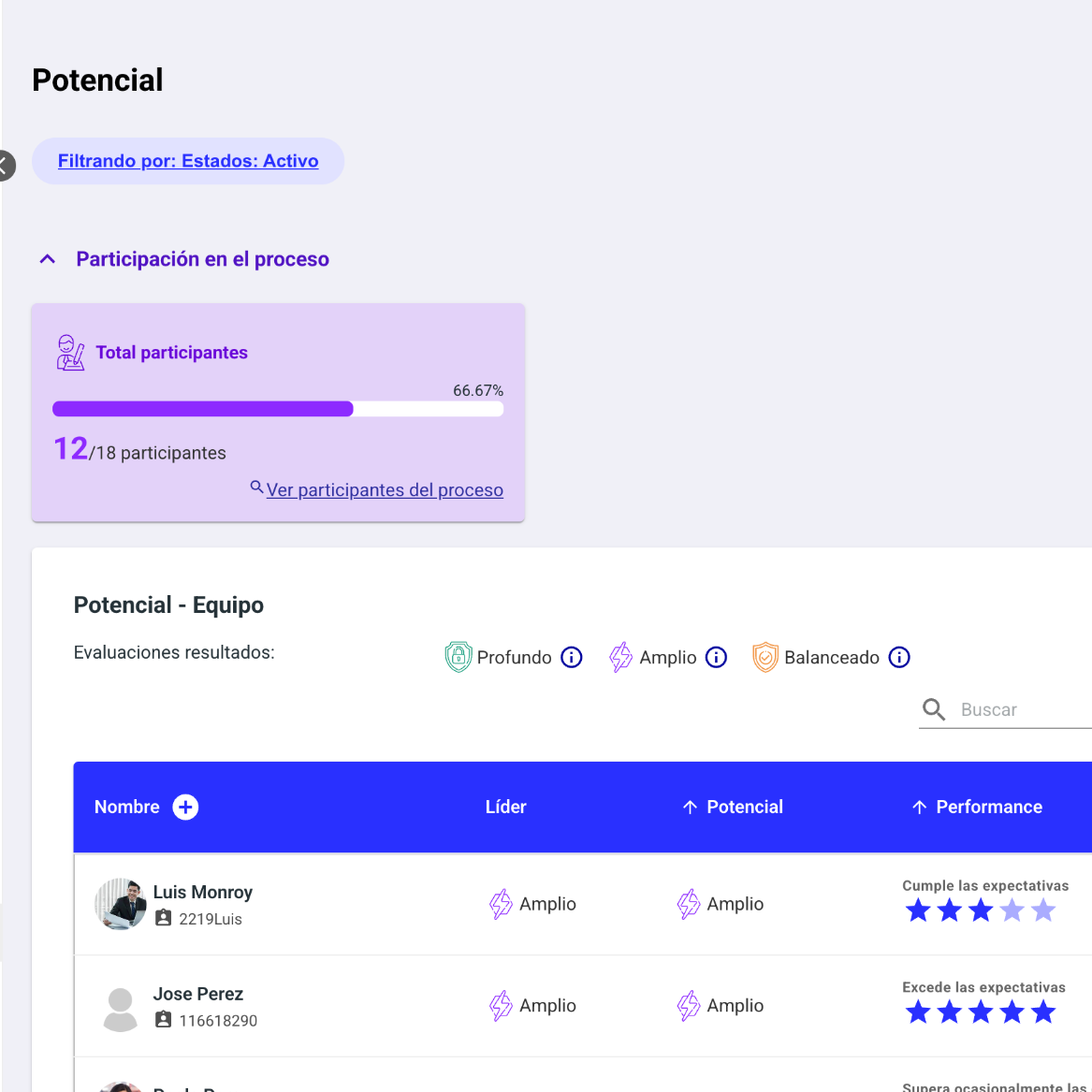
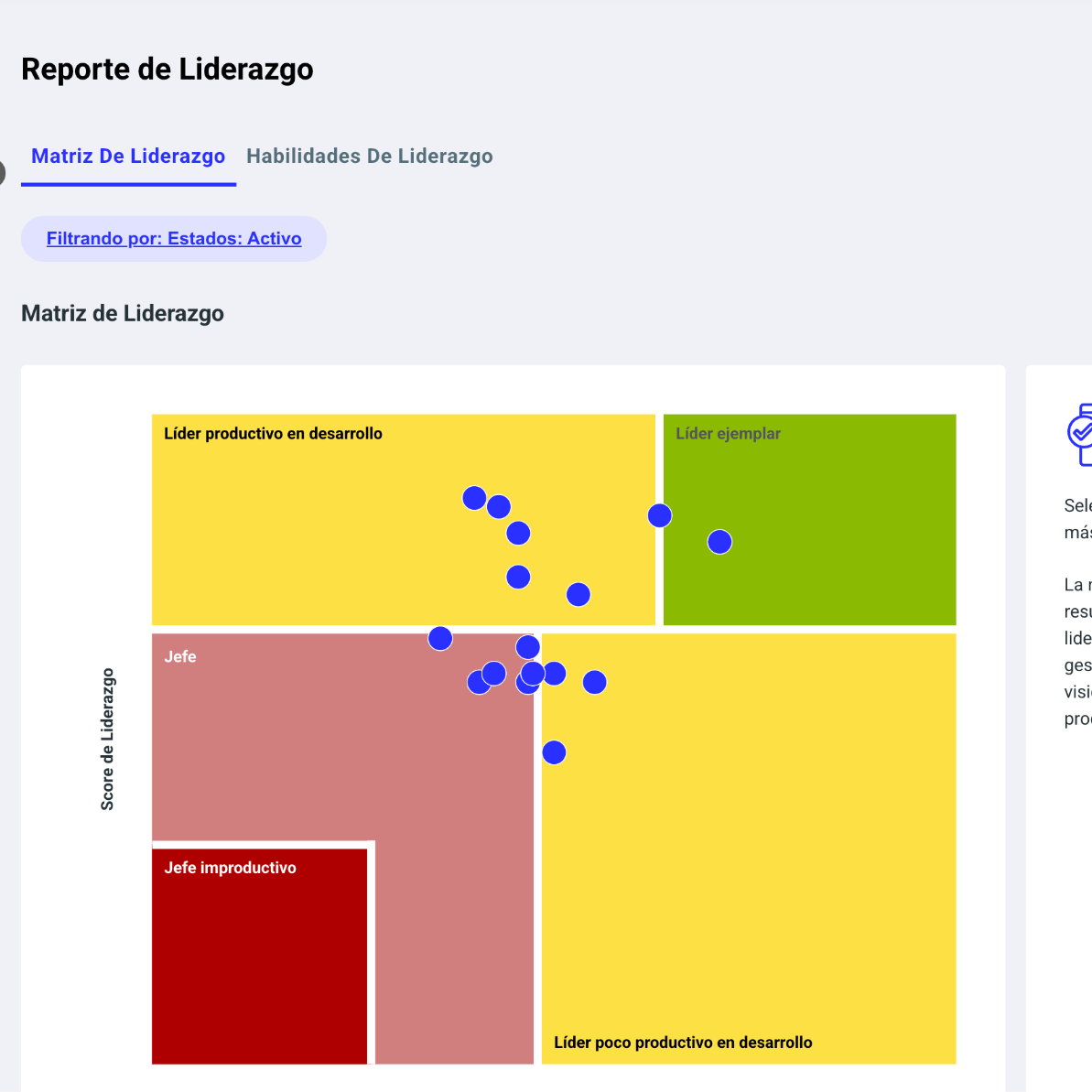
Each report lets you see results per question through simple charts that help you make decisions based on real data.
How to View Real-Time Participation?
You can track participation in the Leadership, Potential, and Performance cycles.
Make sure to check the participation card for the process, where you can see progress based on your permissions. You can also distinguish information by employee or by leader.
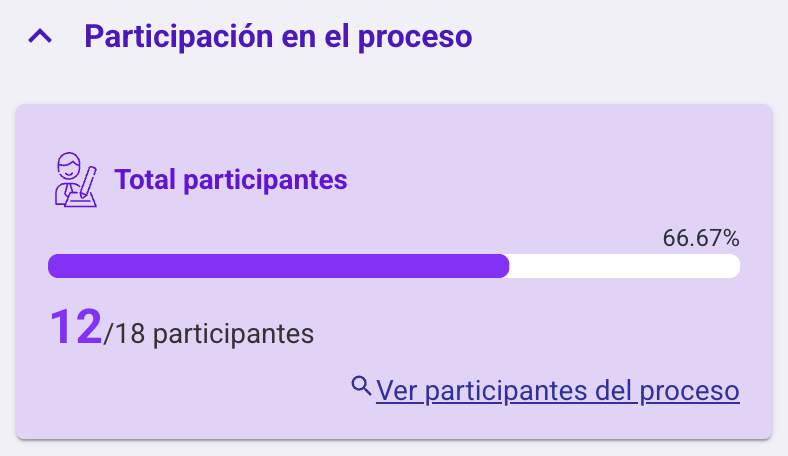
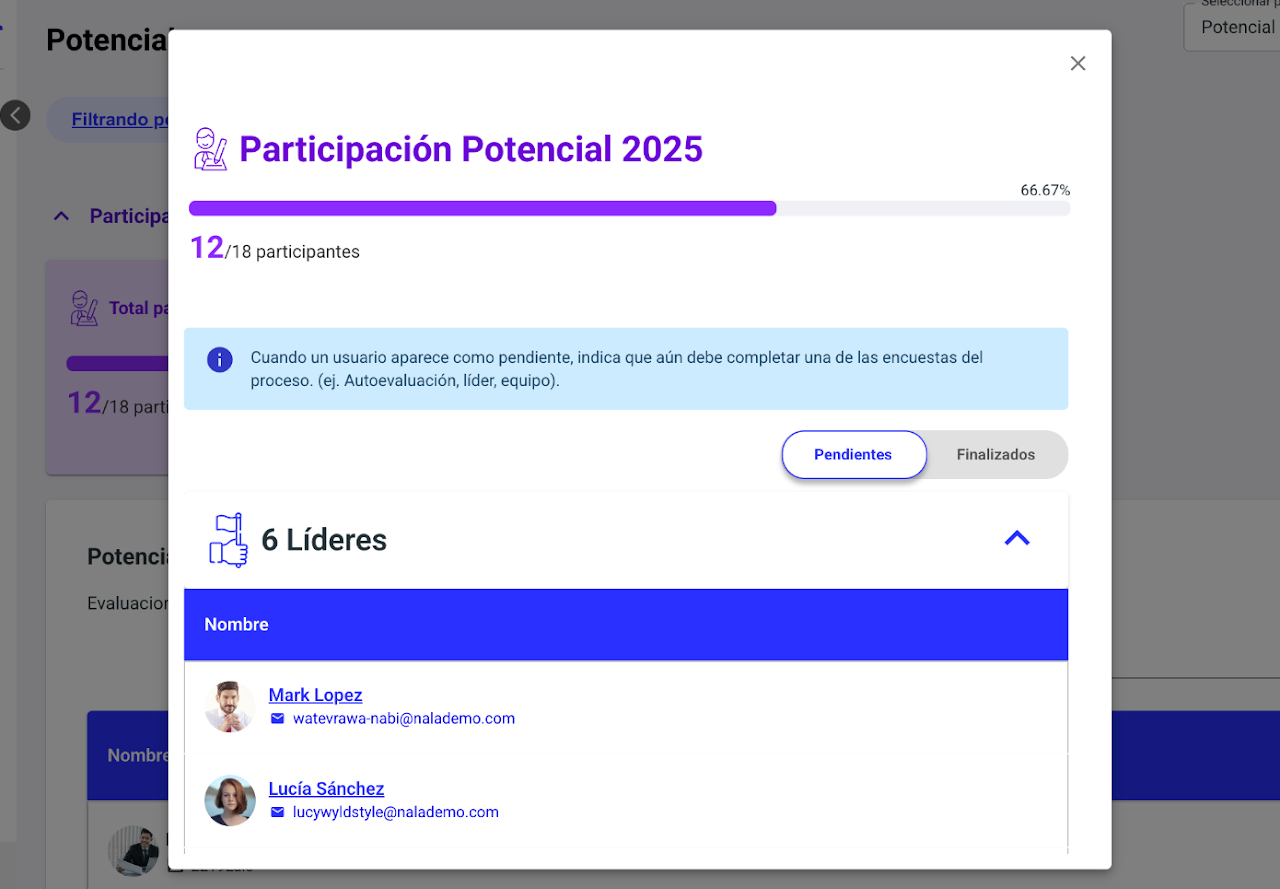
Download the participation data to monitor more effectively and send personalized reminders to those who haven’t completed their part yet.

How to Access Individual Reports?
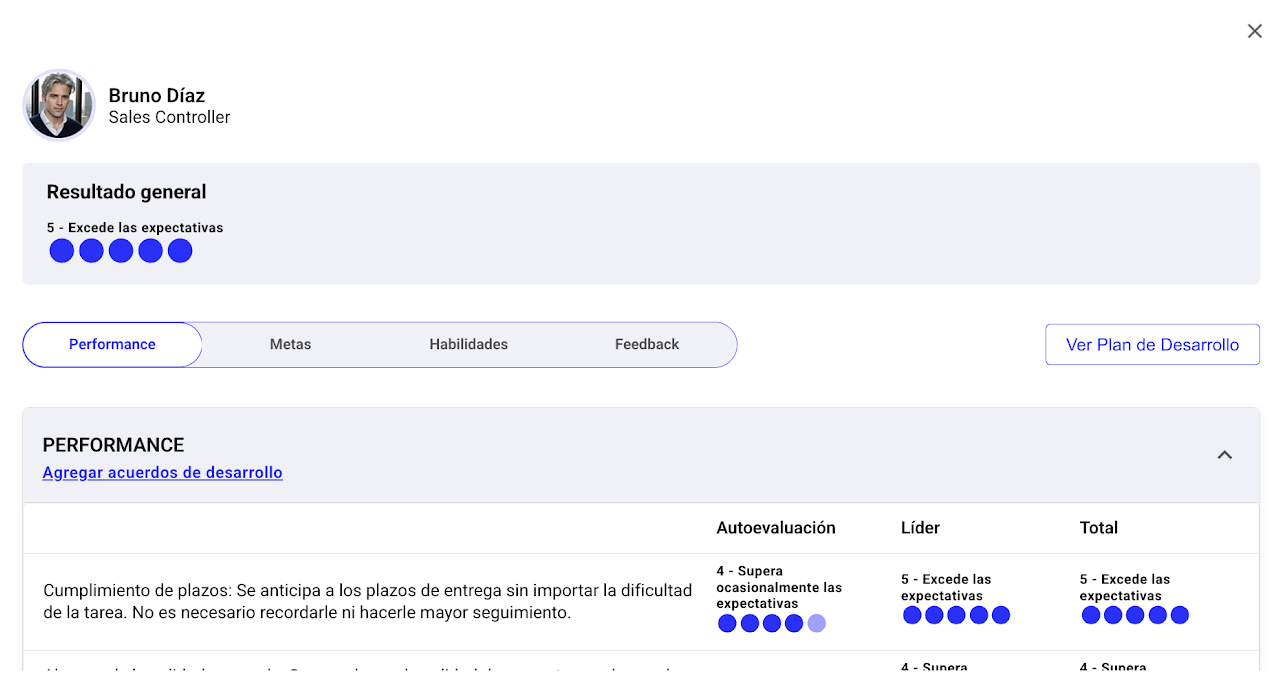
In each results display panel—except in the weather module—in the individual results table you will find the “see more” icon in the actions column or, for leadership, select the results percentage.
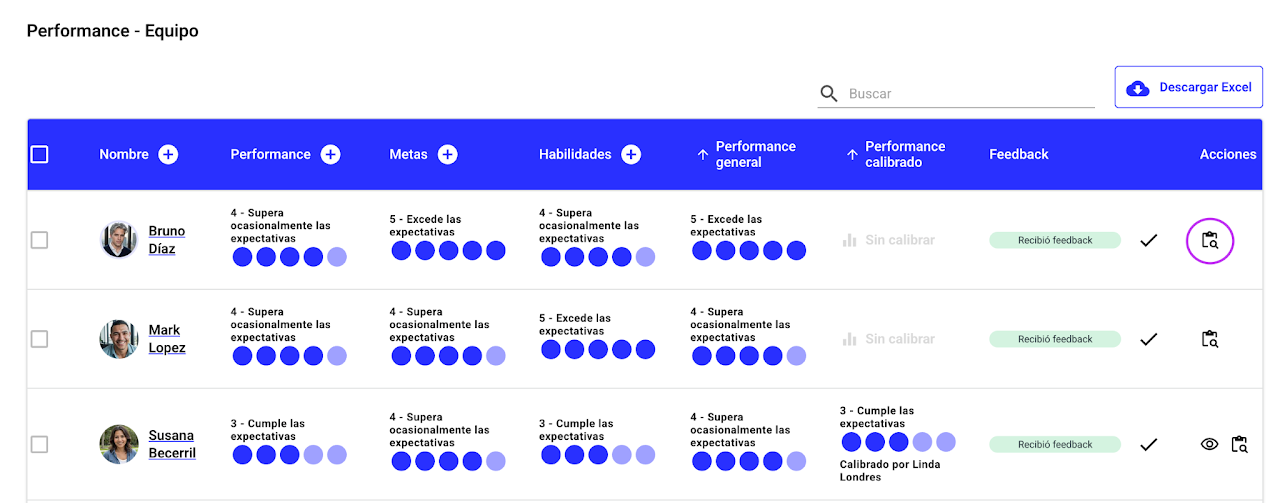
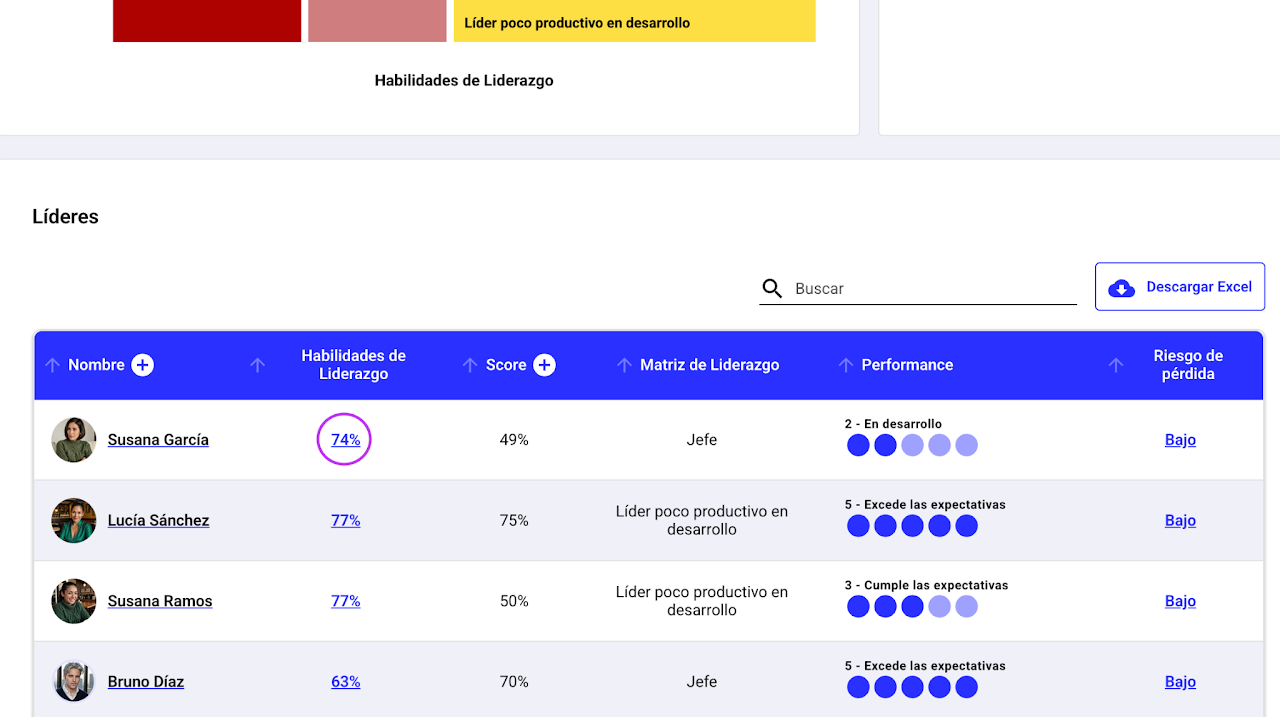
From there, you can review detailed results for each employee, analyze the feedback received, and understand how stakeholders responded to each question.
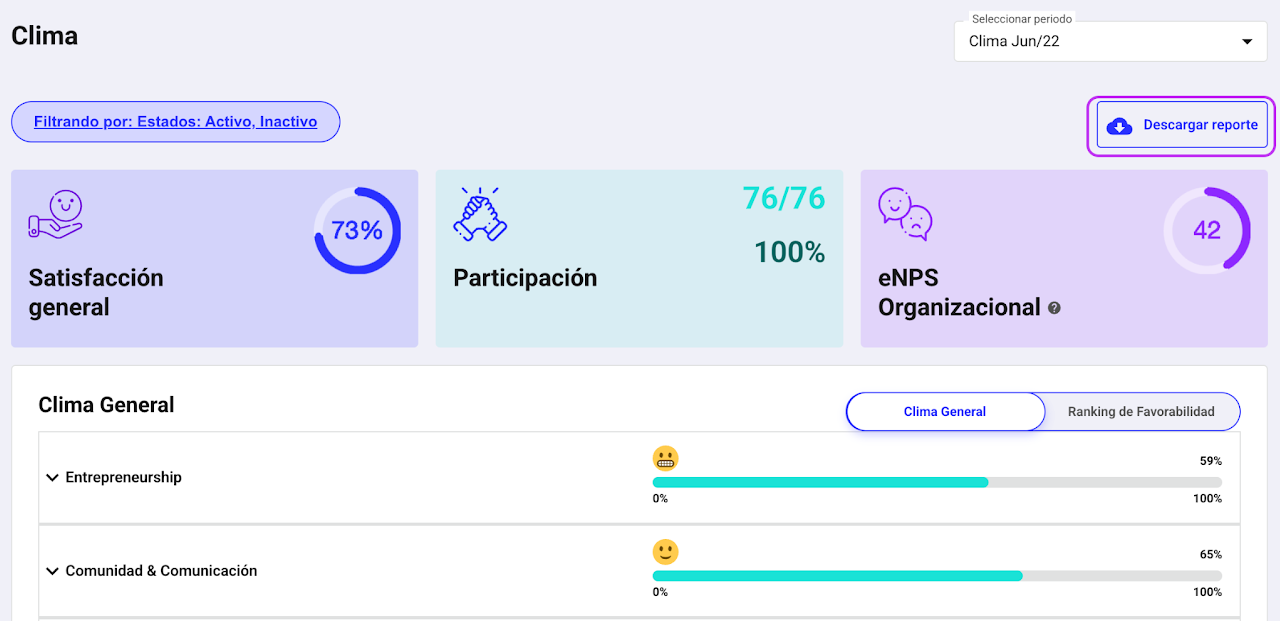
How to Download Climate Results?
Select “Download report” to get a file with the survey results.
Two documents will be downloaded:
📊 An Excel file with a detailed analysis of the results.
📑 A presentation ready to review or share key findings.
The Excel includes aggregated results by various segments such as unit, country, gender, seniority, city, and leader, among others.
This allows you to analyze information faster, identify patterns, and spot opportunities for improvement in your organization’s climate.