Climate
Support Materials

Considerations
The survey is confidential.
The climate section will only show results if more than 3 people participated.
Leaders can see the climate report for their department (results from their direct team and their teams’ teams).
Leaders CANNOT see employee comments; only the administrator and talent manager can.
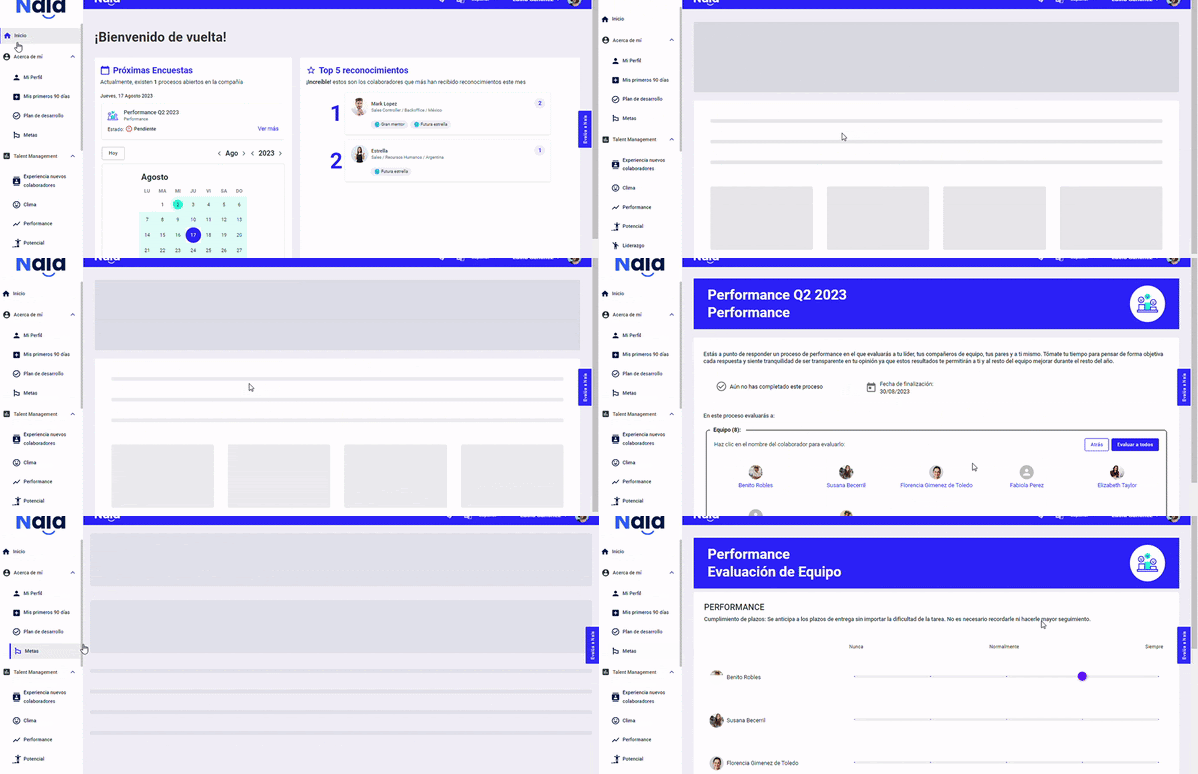
How to access the survey:
You will receive the link to answer by email and also find it on the Nala homepage, as follows:
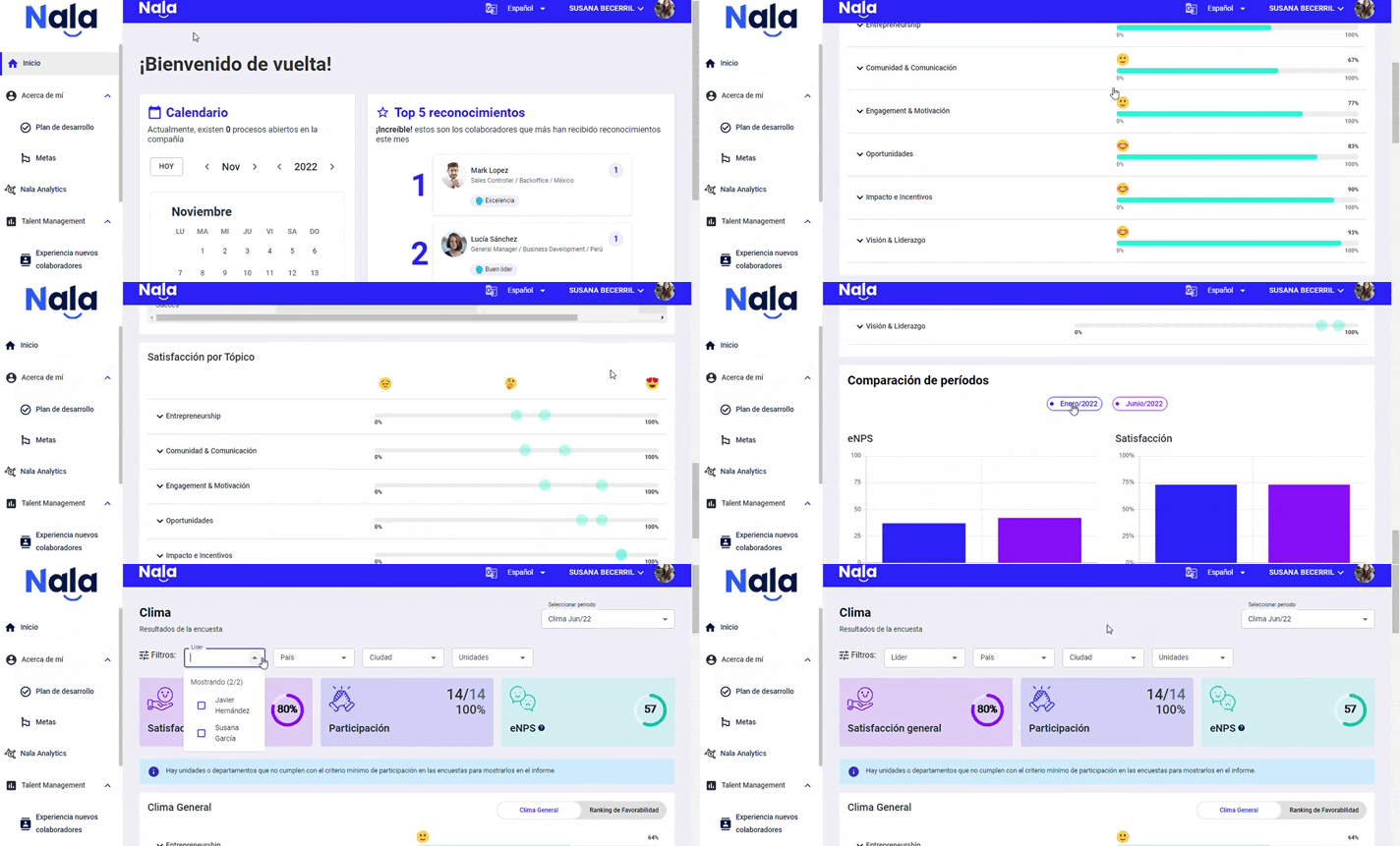
How to see my team’s results:
To see your team's results, select "Climate" in the Talent Management section, as follows:
Download reports
Reports help you analyze results outside Nala and present your team’s findings. Available options depend on the process and your account permissions.
- Open the process results and select Download Report.
- Choose Excel to download the data directly in your browser.
- If General Presentation or Detailed Presentation is enabled for your account, select the option you need. The file will be sent to your account email when ready.
Generating a presentation may take more than a minute. The request confirmation means generation has started; check your email to receive the file.
RESULTS DASHBOARD
SUPPORT WEBINARS
🌟We hope everyone participates!🌟p