Organizational Chart
Organizational Chart
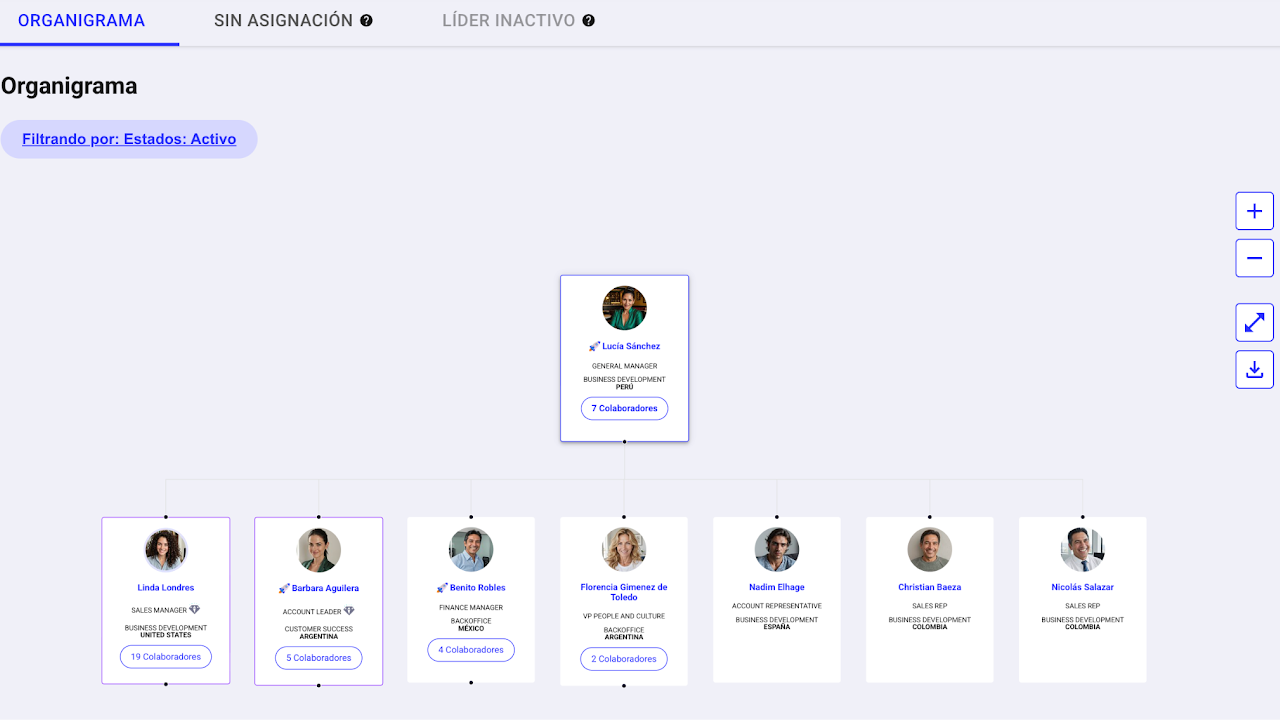
The organizational chart module lets you view your teams graphically as a schematic. Access it by clicking on the side menu Nala > Organizational Chart.
To navigate it, click the number at the bottom of each card to expand the team assigned to that employee.
This module is available to all users created in Nala, regardless of their role.
How to Download the Organizational Chart as a PDF
How to Download the Organizational Chart as a PDF